
Choose your print size
Select the option that matches where your design will go—left chest, adult front, youth, toddler, or hat.


Upload one design image for the transfer size you selected. A transparent PNG at 300 DPI works best.
Upload Your Design Image
Pickup available in Utah
HOW TO ORDER
Select the option that matches where your design will go—left chest, adult front, youth, toddler, or hat.
Choose your print-ready image. A transparent PNG at 300 DPI gives the sharpest result.
Review your selected size and image, enter the number of transfers, then add to cart.
Each design is printed at the size you select. Need several designs on one sheet? Build a DTF gang sheet, or upload a finished gang sheet.
WHY LIGHTINK DTF
Flexible quantities, vivid detail, and a simple press-and-peel process.
Orders placed by 12 PM MT ship the same day.
Peel right after pressing—no cooling wait.
Full-color prints with no screen setup fees.
Order one transfer or stock up for a larger project.
APPLICATION GUIDE
Set your heat press to 305°F, use medium pressure, and press for 10–15 seconds.
These settings are a starting point only. Actual temperature, pressure, and time can vary by heat press and fabric. Test on a sample first and adjust before full production.
PRINT WITH CONFIDENCE
Choose the right print size, upload your artwork, and press with confidence.
A transparent PNG at 300 DPI works best. Upload one print-ready design for each transfer you order.
Pick left chest, adult front, youth, toddler, or hat size before adding to cart.
Peel immediately after pressing. Heat and pressure settings are a starting point—test and adjust for your machine and fabric.
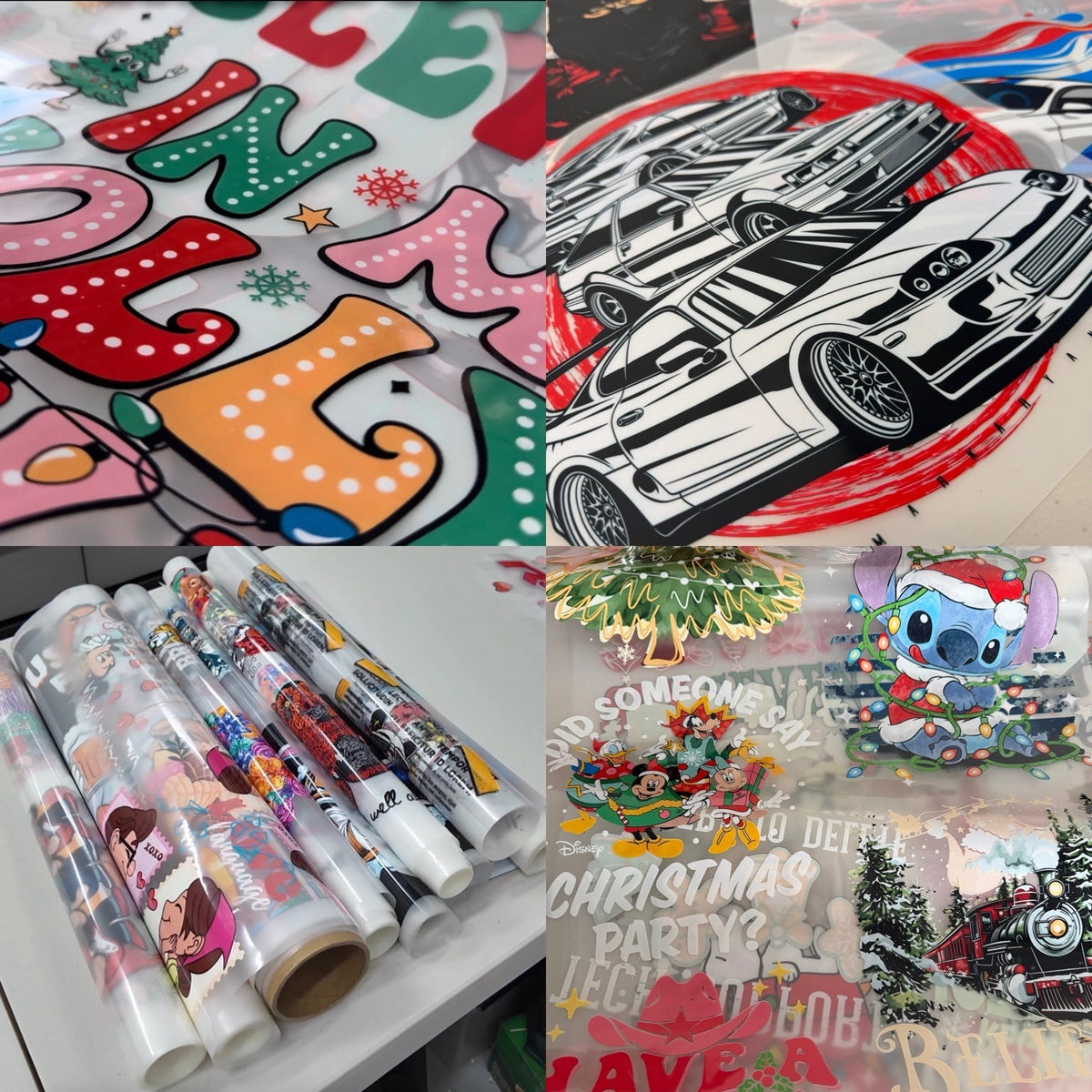
Real printed transfers from the Lightink studio
GOOD TO KNOW
Choose the size based on where the artwork will be applied. Check the width shown in each option and measure your garment before ordering.
Yes. There is no minimum order quantity.
Start with 305°F, medium pressure, and 10–15 seconds. Results can vary by heat press and fabric, so test a sample and adjust before full production.
Our DTF transfers are instant peel: remove the carrier right after pressing. Test your first item to confirm the settings for your equipment and fabric.
Feedback from customers across our store